Every clip here was recorded by the CLI from a script in the site’s demos folder, against a small local page. Each one turns a different option, from the camera and the frame to captions, branding and output format.
01 / Out of the box
no flagsEdge to edge at 1920×1200, a 1.6× zoom toward each click and a spring-smoothed cursor. Three steps, nothing else set.
bueno-screen-demo capture defaults.json take
bueno-screen-demo render take out
+ − defaults.json
{
  "url": "../pages/invite.html",
  "viewport": [1280, 800],
  "steps": [
    { "wait": 900 },
    { "type": "[data-testid=email]", "text": "juan.solo@alianza.reb", "after": 500 },
    { "click": "[data-testid=role-editor]", "after": 700 },
    { "click": "[data-testid=send]", "after": 1500 }
  ]
}
02 / Framed on a matte
--matteThe page sits in a rounded window on a colour of your choosing, with an even border and a soft shadow.
bueno-screen-demo capture matte.json take
bueno-screen-demo render take out --matte '#e4ddd0'
+ − matte.json
{
  "url": "../pages/board.html",
  "viewport": [1280, 800],
  "steps": [
    { "wait": 900 },
    { "click": "[data-testid=flaky]", "after": 1300 },
    { "click": "[data-testid=mark-done]", "after": 1600 }
  ]
}
03 / A closer camera
--zoom 2.4Small targets read better closer in. Clicks close together share one shot, so the camera pans across the toolbar instead of bouncing.
bueno-screen-demo capture zoom.json take
bueno-screen-demo render take out --zoom 2.4
+ − zoom.json
{
  "url": "../pages/editor.html",
  "viewport": [1280, 800],
  "steps": [
    { "wait": 900 },
    { "eval": "selectPhrase('en menos de un segundo')", "after": 500 },
    { "click": "[data-testid=bold]", "after": 600 },
    { "click": "[data-testid=hl-yellow]", "after": 600 },
    { "click": "[data-testid=comment]", "after": 1600 }
  ]
}
04 / Directing the camera
zoom: false / hoverTab clicks set zoom: false so the whole chart stays in frame as it changes. Hovers with zoom: true point the camera at a tooltip without clicking.
bueno-screen-demo capture camera.json take
bueno-screen-demo render take out --matte '#0b0d11'
+ − camera.json
{
  "url": "../pages/dashboard.html",
  "viewport": [1280, 800],
  "steps": [
    { "click": "[data-testid=r30]", "zoom": false, "after": 1400 },
    { "hover": "[data-testid=bar-4]", "zoom": true, "after": 1200 },
    { "hover": "[data-testid=bar-6]", "zoom": true, "after": 1400 },
    { "click": "[data-testid=r90]", "zoom": false, "after": 1600 }
  ]
}
05 / Captions by the cursor
sayA step's say line rides beside the cursor until the next step changes it. setup fills the expiry and CVC before recording starts.
bueno-screen-demo capture say.json take
bueno-screen-demo render take out
+ − say.json
{
  "url": "../pages/checkout.html",
  "viewport": [1280, 800],
  "setup": "document.querySelector('[data-testid=exp]').value = '12 / 28'; document.querySelector('[data-testid=cvc]').value = '314';",
  "steps": [
    { "wait": 900 },
    { "click": "[data-testid=yearly]", "after": 1100, "say": "El plan anual ahorra un 20%" },
    { "type": "[data-testid=card]", "text": "4242 4242 4242 4242", "delay": 35, "after": 700, "say": "Añade una tarjeta" },
    { "click": "[data-testid=pay]", "after": 1600, "say": "Paga, y al Escuadrón Rojo" }
  ]
}
06 / Title, end card and brand
--title / --end-cap / --brandA lower-third title opens the take and an end card closes it. The brand file sets the ink, paper, ripple colour, display font, logo and footer.
bueno-screen-demo capture branded.json take
bueno-screen-demo render take out --title 'Plan anual' --kicker Precios --end-cap --brand brand.json
+ − branded.json and brand.json
branded.json
{
  "url": "../pages/pricing.html",
  "viewport": [1280, 800],
  "steps": [
    { "wait": 1200 },
    { "click": "[data-testid=annual]", "after": 1400 },
    { "click": "[data-testid=start-pro]", "after": 1600 }
  ]
}
brand.json
{
  "ink": "#ff3b2f",
  "paper": "#0b0b0b",
  "accent": "rgba(255, 59, 47, 0.4)",
  "displayFont": { "family": "GoshaSans", "file": "../src/fonts/PPGoshaSans-Ultrabold.woff2", "weight": "800" },
  "logo": "../src/app/icon.svg",
  "footer": "screen-demo.oss.bueno.enterprises"
}
07 / Slow motion
--speed 0.75Keyboard-driven UI moves fast. Playing at 0.75× slows the take, the cursor and the camera together, so the command palette has time to land.
bueno-screen-demo capture speed.json take
bueno-screen-demo render take out --speed 0.75
+ − speed.json
{
  "url": "../pages/palette.html",
  "viewport": [1280, 800],
  "cursorStart": [900, 520],
  "steps": [
    { "wait": 600 },
    { "press": "ControlOrMeta+K", "after": 700 },
    { "type": "[data-testid=palette-input]", "text": "oscuro", "delay": 90, "after": 700 },
    { "press": "Enter", "after": 1600 }
  ]
}
08 / A phone-width take
--fitA 390×844 viewport renders at its own portrait shape instead of being letterboxed into 1920×1200. A matte frames it like a device.
bueno-screen-demo capture mobile.json take
bueno-screen-demo render take out --fit --matte '#e8dccd'
+ − mobile.json
{
  "url": "../pages/mobile.html",
  "viewport": [390, 844],
  "steps": [
    { "wait": 900 },
    { "click": "[data-testid=medium]", "after": 700 },
    { "click": "[data-testid=oat]", "after": 800 },
    { "click": "[data-testid=add]", "after": 1600 }
  ]
}
09 / Scrolling a long page
scroll / atA scroll step glides the section into view on camera. A hover aims at a point inside its target with at: [fx, fy] rather than the centre.
bueno-screen-demo capture scroll.json take
bueno-screen-demo render take out
+ − scroll.json
{
  "url": "../pages/docs.html",
  "viewport": [1280, 800],
  "steps": [
    { "wait": 700 },
    { "scroll": "#verify", "after": 1200 },
    { "click": "[data-testid=copy]", "after": 1100 },
    { "hover": "[data-testid=callout]", "at": [0.15, 0.5], "zoom": true, "after": 1500 }
  ]
}
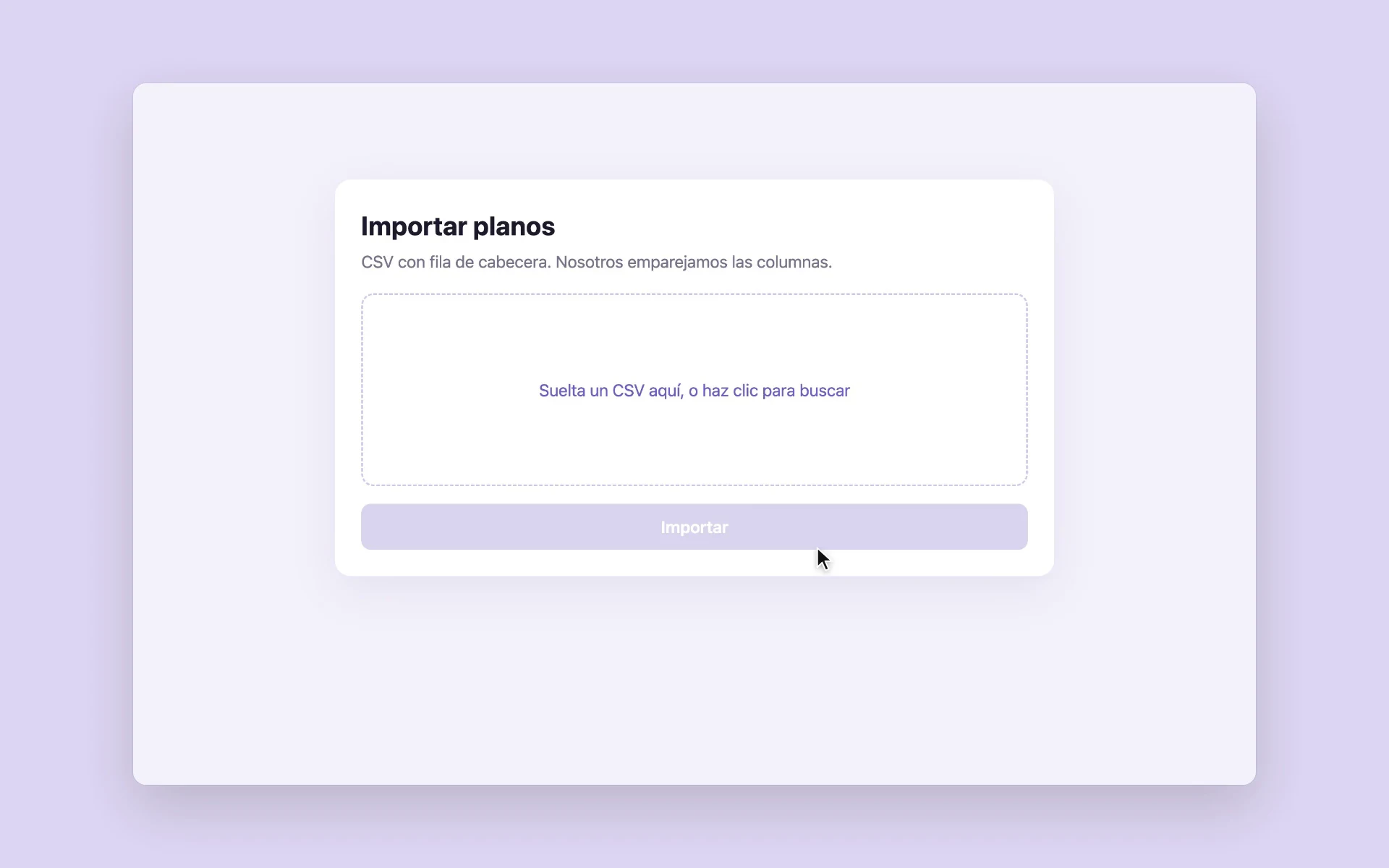
10 / A GIF for the README
--gif / --holdupload attaches a file to a drop zone. --gif writes a 960px, 15fps GIF beside the MP4, and --hold rests on the last frame for a beat.
bueno-screen-demo capture gif.json take
bueno-screen-demo render take out --gif --hold 1.2 --matte '#ddd6f3'
+ − gif.json
{
  "url": "../pages/upload.html",
  "viewport": [1280, 800],
  "steps": [
    { "upload": "[data-testid=drop]", "file": "../assets/estrella_de_la_muerte.csv", "after": 1900 },
    { "click": "[data-testid=import]", "after": 1300 }
  ]
}